
Discord-ify
A downloadable tool for Windows
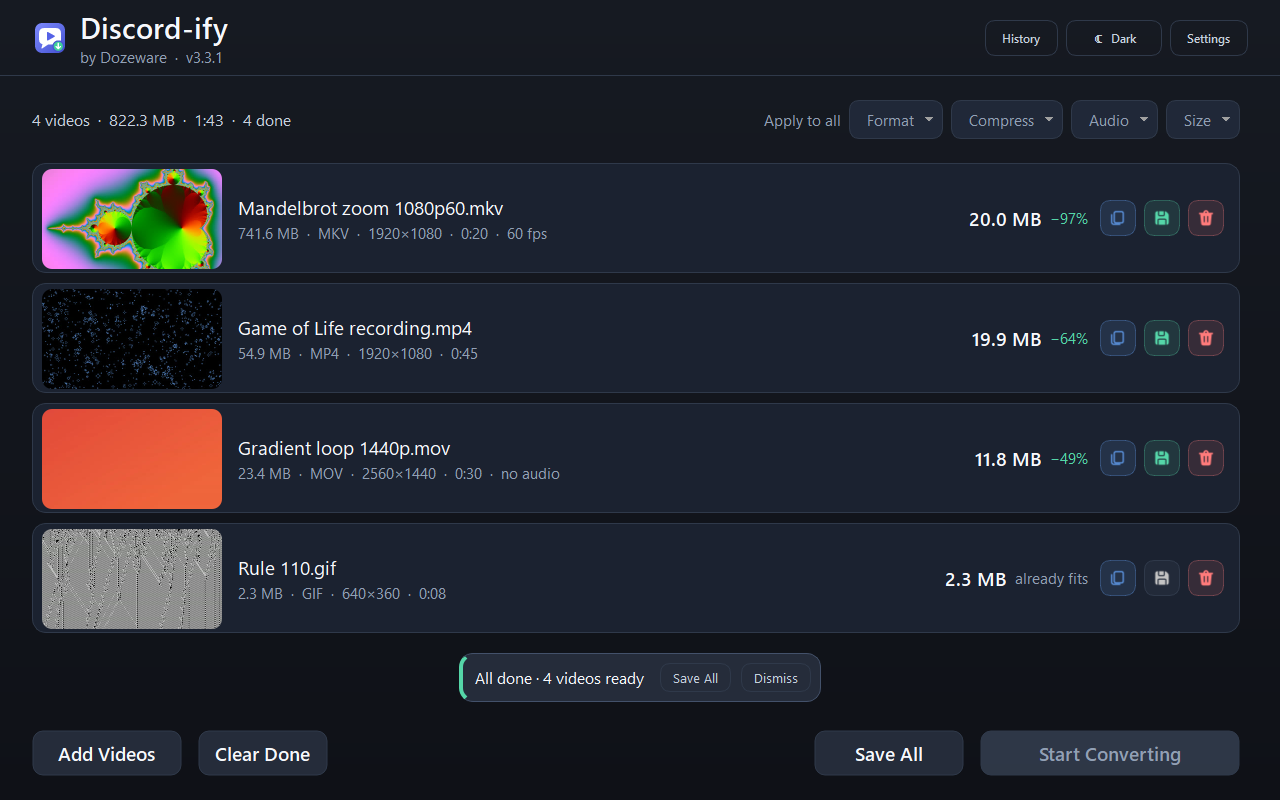
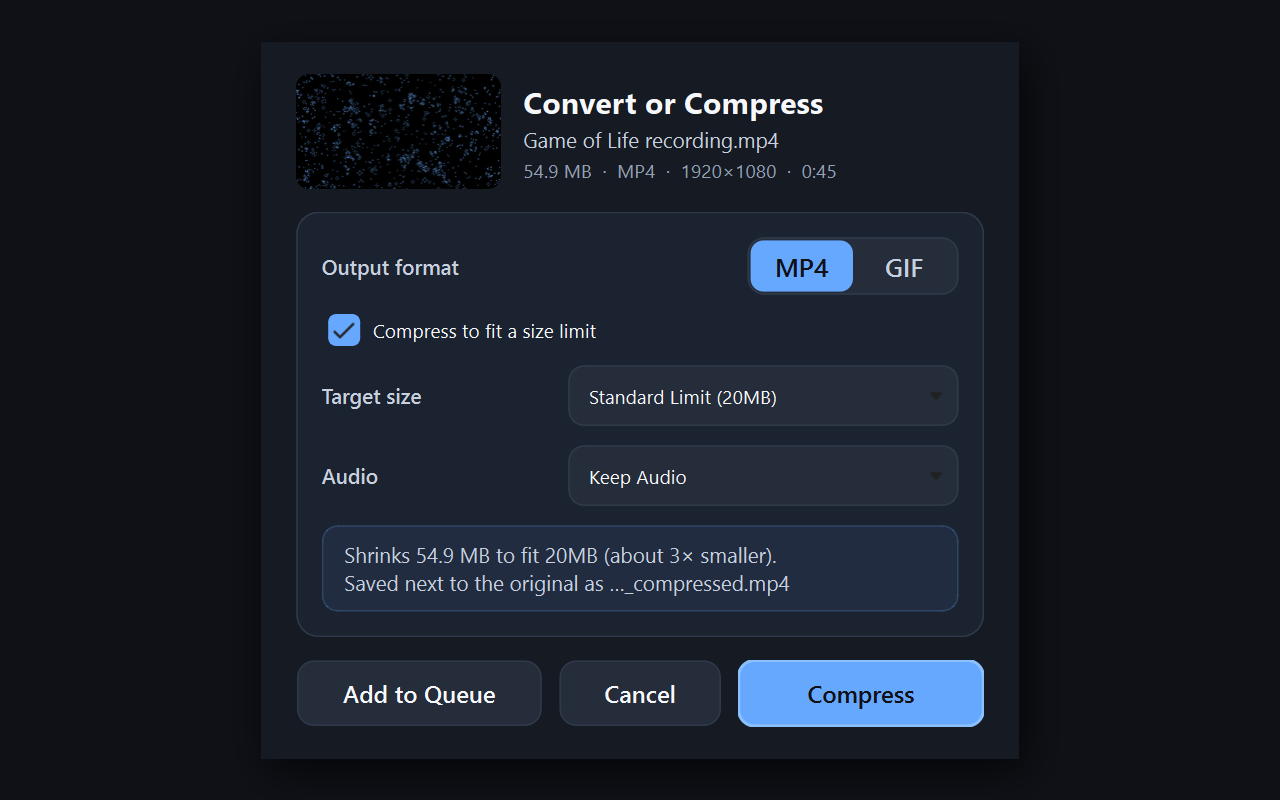
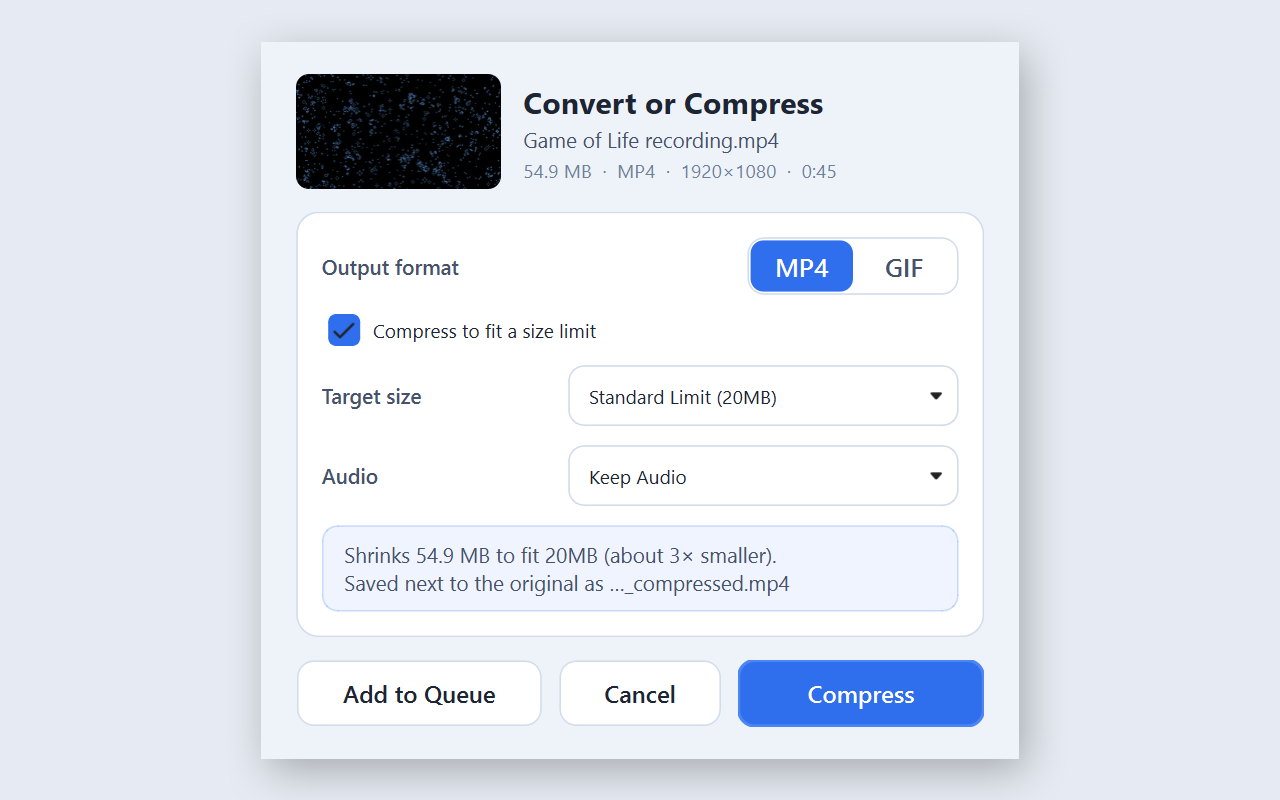
Discord-ify shrinks videos and GIFs so they fit under Discord's upload limit. Drop in a clip (or a whole folder of them), pick a target size, and you get back a file that fits. When the target is small it lowers the resolution and frame rate instead of smearing everything into blocks, so a 5 MB clip still looks like the clip.
You don't even have to open it. Right-click a video in Explorer, choose Compress with Discord-ify, and when it's done hit Copy File and paste it straight into the chat.
What it does
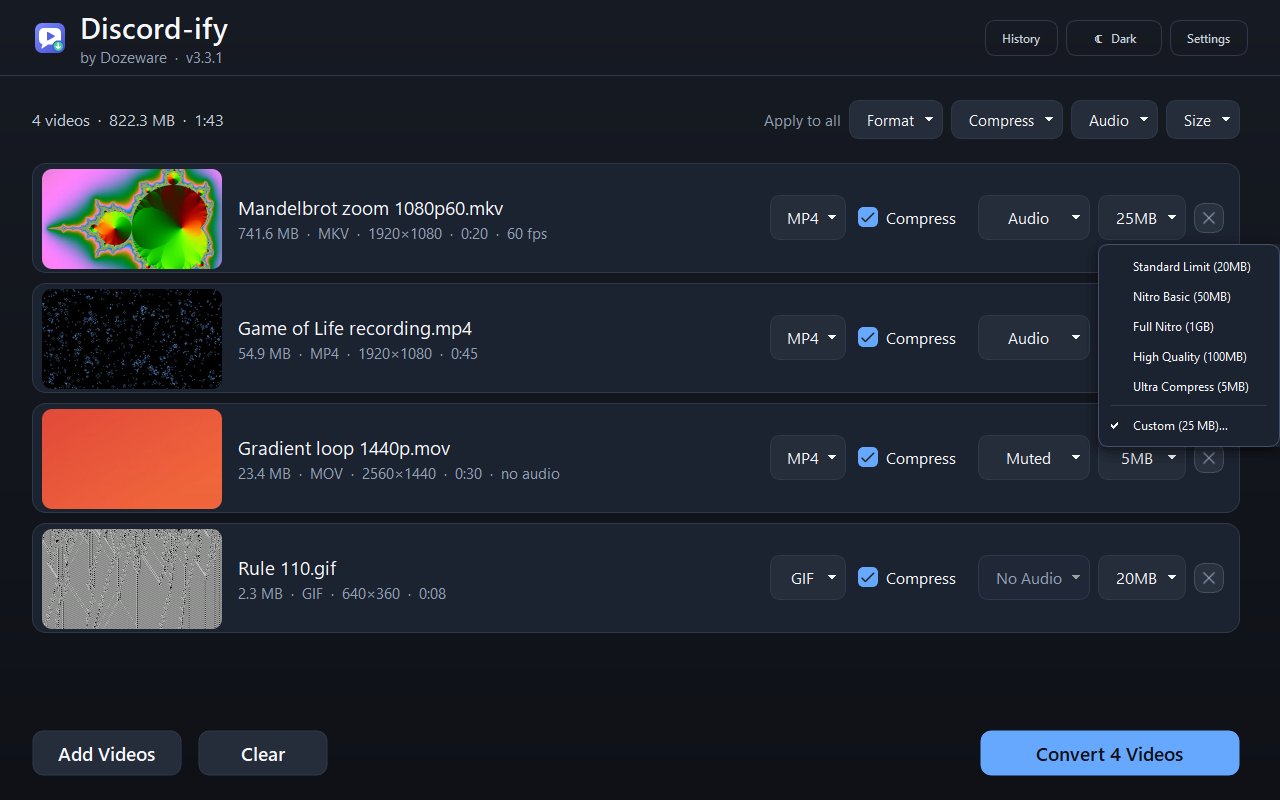
- Target sizes from 5 MB up to 1 GB for Nitro
- MP4 or GIF out, with the option to keep, mute or shrink the audio
- Takes MP4, MOV, MKV, AVI, WebM, WMV, FLV, M4V, 3GP, OGV and GIF
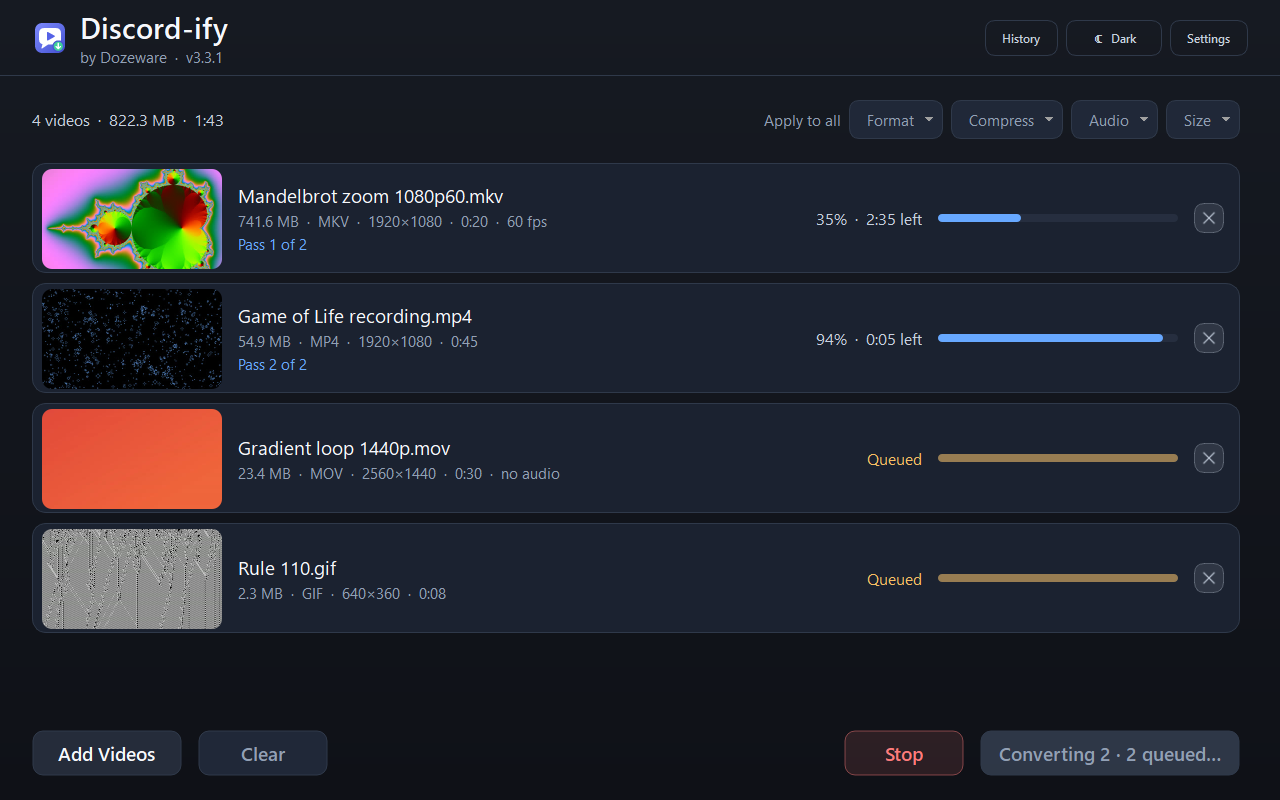
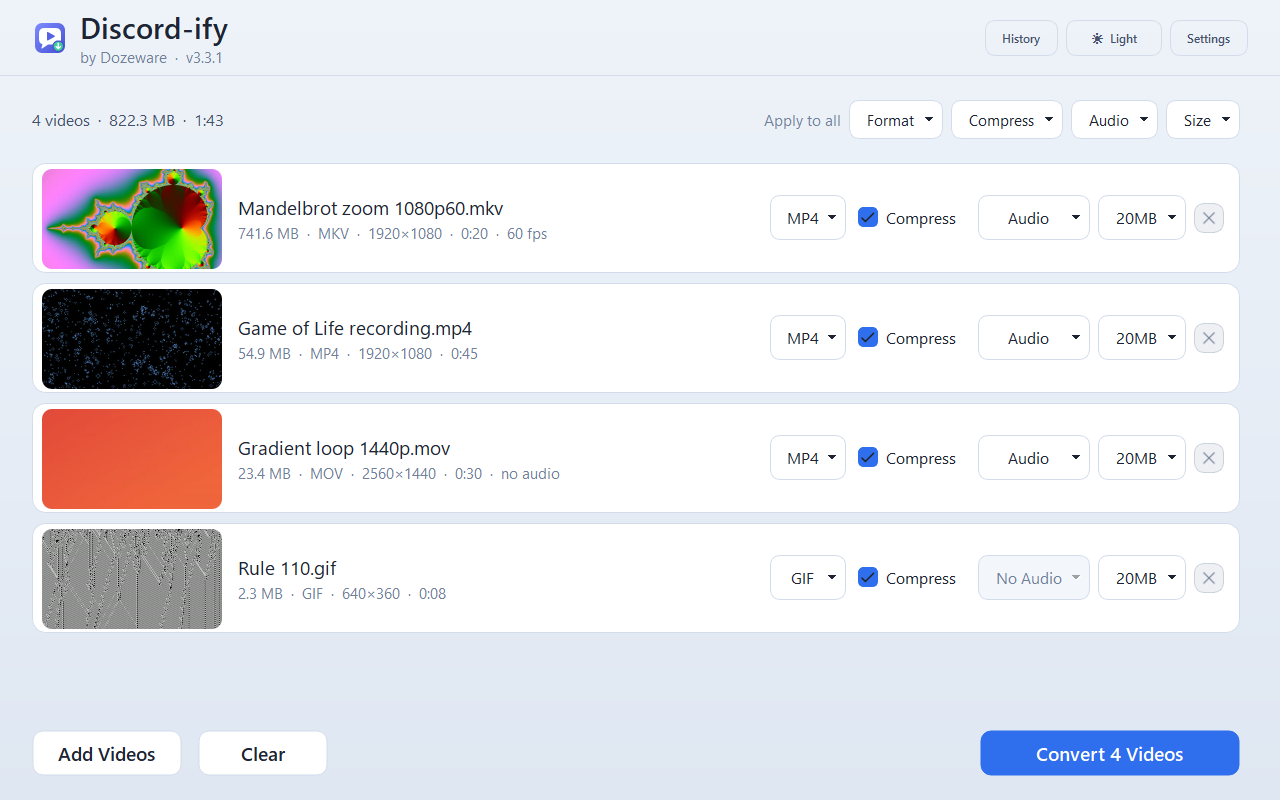
- Queue as many videos as you like and set them all at once with Apply to all
- Drag finished files out of the window into Discord, or Copy and Ctrl+V
- If a clip already fits, it tells you instead of making a pointless copy
- Dark and light themes, or follow Windows
Shortcuts
| Ctrl+O | Add videos |
| Ctrl+Enter | Start converting |
| Ctrl+S | Save all |
| Ctrl+Shift+C | Copy the latest finished file |
| Esc | Stop everything |
Running it
Windows 10 and 11. Unzip it and run Discord-ify.exe. The first time, it asks whether to add itself to the right-click menu. You can change your mind later from Settings.
Credits
Made by Dozeware.
Video encoding by FFmpeg.
Discord-ify is a fan-made tool and isn't affiliated with or endorsed by Discord Inc.
Download
Click download now to get access to the following files:
Development log
- And Another One - 3.3.22 days ago
- Discord-ify is back: version 3.2 is out2 days ago
Comments
Log in with itch.io to leave a comment.
dope